Reliability: reconnect & sessions
A live MCP session is long-lived, so the tunnel is built to ride out the things that break long connections: a flaky Wi-Fi blip, a laptop sleep, a corporate proxy that idles the socket, or a rolling deploy of the control plane. This page explains what happens under each of those, the numbers behind the behavior, and the controls you have.
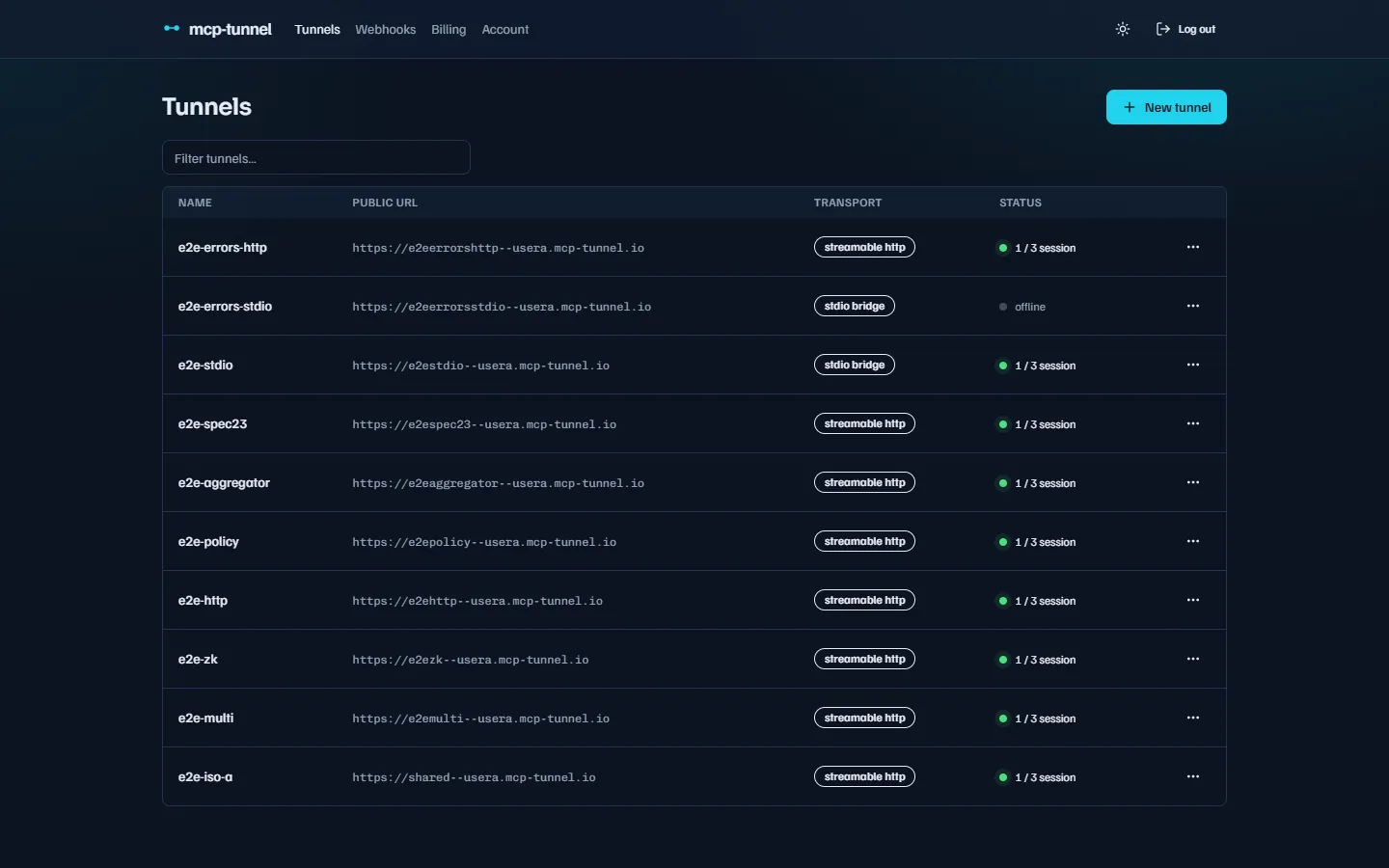 Each tunnel shows live status and how many agent sessions are connected.
Heartbeats and dead-connection detection
Section titled “Heartbeats and dead-connection detection”mcppipe pings the CLI every 25 seconds and declares the connection dead if it does not see a pong within 35 seconds. The 25s interval sits under the ~30s idle timeout that most corporate proxies and cloud load balancers enforce, so the link stays warm even with no MCP traffic.
When mcppipe detects a dead socket (missed pong, TCP reset, or a clean close), it does not immediately discard the tunnel — it keeps the handle alive for a short grace window so the CLI can come back and resume.
Session resume after a drop
Section titled “Session resume after a drop”If the CLI reconnects within the 60-second resume grace, it picks up exactly where it left off instead of starting a brand-new session:
- The CLI keeps a per-process cursor: the
session_idmcppipe assigned in theWelcomeframe, plus the highest request id it has already received. - On reconnect, the
Hellohandshake carriesresume_session_idandresume_from_id. mcppipe locates the orphaned tunnel handle, confirms it belongs to the same authenticated tunnel, and adopts it. - mcppipe replays every buffered frame with
id > resume_from_id, so requests that arrived during the blip are delivered rather than lost. The caller never sees a failed tool call — just a slightly slower one.
The replay buffer is bounded by 256 frames or 1 MiB, whichever it hits first (drop-oldest). That comfortably covers a few hundred small JSON-RPC requests plus a handful of large ones.
If the CLI does not return within the 60-second grace, the orphaned handle is dropped, any still-pending requests fail, and the next connection is a fresh session.
What you do not have to do
Section titled “What you do not have to do”Nothing. Resume is automatic and always on — the CLI advertises
session_resume in every handshake. You do not configure heartbeats, buffers,
or grace windows from the CLI or dashboard; they are protocol constants shared
by mcppipe and the CLI.
Automatic reconnect
Section titled “Automatic reconnect”When a session ends for any reason other than a clean shutdown, the CLI reconnects on its own using exponential backoff that starts at 1 second and caps at 30 seconds. A successful reconnect resets the backoff.
The one case where the CLI gives up instead of retrying is an authentication failure: an invalid or rotated API key never becomes valid, so the CLI prints the error and exits. See Troubleshooting for the exact message.
Multiple concurrent sessions per tunnel
Section titled “Multiple concurrent sessions per tunnel”You can point several agents at the same tunnel at once — for example Claude
Desktop, Cursor, and a CI job all using one public URL. mcppipe keys sessions
by (tunnel, session), so a second CLI on the same key no longer displaces
the first (the old last-connect-wins behavior that produced ngrok-style
“Error 108” is gone). Each session gets its own resume buffer and lifecycle.
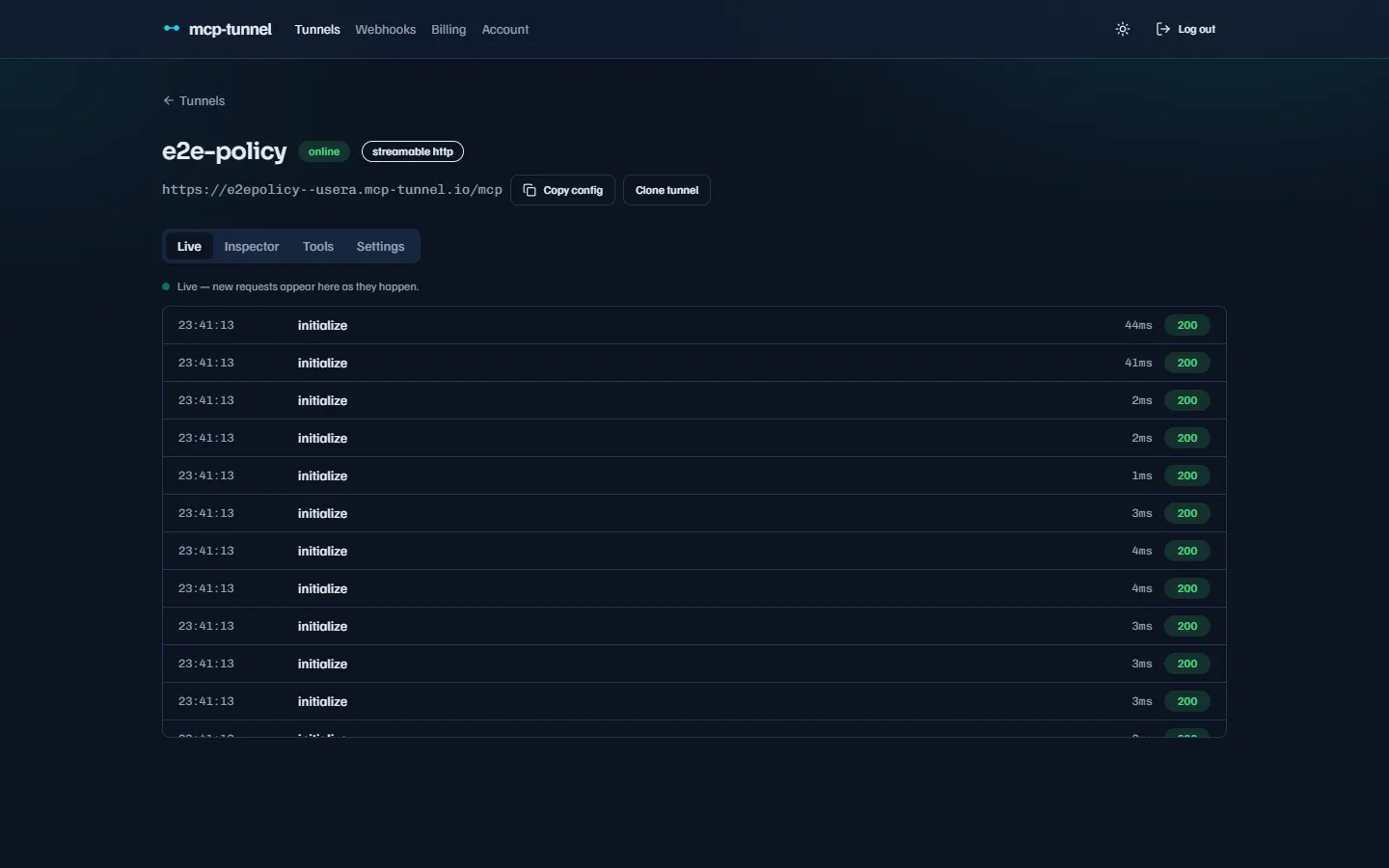 Open a tunnel from the list to see its public URL and connection state.
The number of concurrent agent sessions per tunnel is capped by your plan:
| Plan | Concurrent sessions / tunnel |
|---|---|
| Free | 3 |
| Pro | 10 |
| Scale | 25 |
When a new connection would exceed the cap, mcppipe returns an honest
session_limit error and closes only that connection — your already-connected
sessions keep serving. The error message names the plan, the cap, and how many
sessions are already connected, for example:
free plan allows 3 concurrent sessions per tunnel (3 already connected)This is never a silent kill of an existing session. To run more agents at once, disconnect an idle one or move to a higher plan — see Billing & plans.
Graceful shutdown and rolling updates
Section titled “Graceful shutdown and rolling updates”The tunnel is designed to be restarted without dropping in-flight work, whether
you run the CLI under docker stop, systemd, or Kubernetes (which sends
SIGTERM on pod termination).
On the CLI side, a SIGTERM (Unix) or Ctrl-C (all platforms) triggers a
clean shutdown:
- The CLI sends a
Byeframe so mcppipe detaches this session immediately — a standby session, if you have one, serves the next request at once instead of waiting out the ~35s heartbeat timeout. - The CLI then drains in-flight request handlers for up to a bounded grace
(default 10 seconds, override with
MCPPIPE_DRAIN_GRACE_SECS) so an active tool call is not severed mid-flight. - Once handlers finish (or the grace expires), it closes the socket and exits. Because the shutdown was clean, the reconnect loop does not redial.
On the cloud side, a shutdown signal starts a 30-second drain: mcppipe stops accepting new WebSocket upgrades but keeps already-connected tunnels serving so their in-flight requests finish. It can still forward incoming requests into those held tunnels for the whole window. After the window elapses, remaining sessions are closed. This is what lets you roll the control plane without a visible outage.
Reliability in zero-knowledge mode
Section titled “Reliability in zero-knowledge mode”Resume, reconnect, concurrent sessions, and graceful shutdown all work identically when a tunnel is in zero-knowledge capture mode — that mode only changes what mcppipe records, not how the transport survives drops. See Privacy: redaction & zero-knowledge.
Related
Section titled “Related”- Multi-upstream aggregation — one tunnel, several MCP servers.
- CLI reference —
MCPPIPE_DRAIN_GRACE_SECS,--broker, and other flags. - Live traffic & Inspector — watch sessions and calls in real time.
- Billing & plans — per-plan session and tunnel caps.