Two transports
Forward an HTTP MCP server with --upstream, or spawn a stdio server
(npx, python, …) with --stdio — the CLI bridges and supervises it.
Repeat the flags to put several upstreams behind one tunnel.
mcppipe is a vendor-neutral reverse tunnel for Model Context Protocol
servers. A local CLI opens an outbound WebSocket to a hosted control plane;
cloud agents — Claude, ChatGPT, Cursor, Windsurf, VS Code and more — reach your
local MCP server through a stable subdomain. No inbound ports, no router config.
Every tunnel is served over Streamable HTTP at a
clean /mcp URL — no interstitial pages, on every plan. The public host follows
a per-account model: https://<subdomain>--<account-slug>.<zone>/mcp
(for example https://filesystem--acme.mcppipe.dev/mcp).
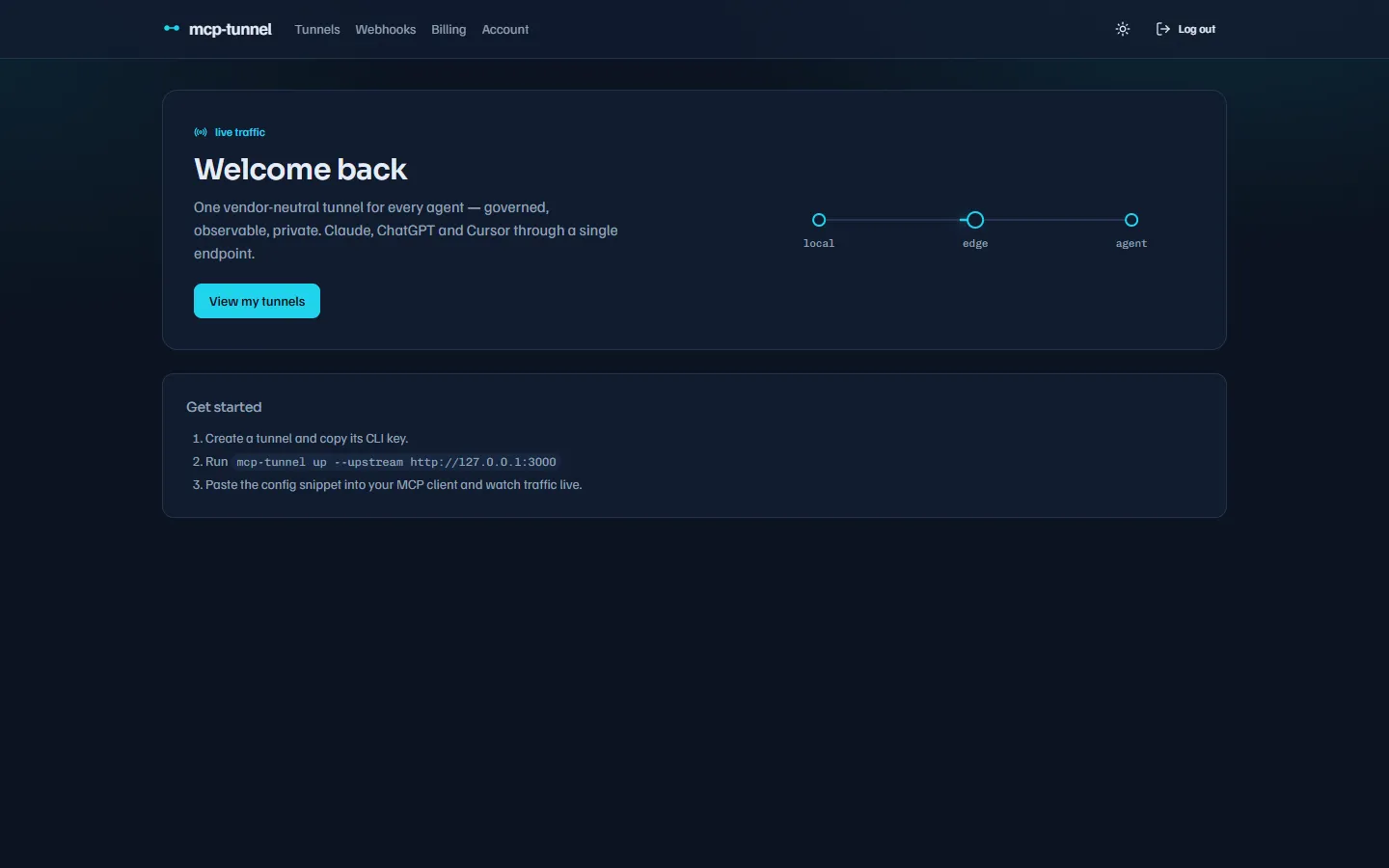 The dashboard: your tunnels, their public URLs, and live MCP traffic.
Two transports
Forward an HTTP MCP server with --upstream, or spawn a stdio server
(npx, python, …) with --stdio — the CLI bridges and supervises it.
Repeat the flags to put several upstreams behind one tunnel.
Survives drops
A session-resume buffer replays in-flight frames across reconnects, so a flaky network never silently loses a tool call. See Reliability.
See every call
The dashboard live-tails MCP traffic — method, tool, arguments, latency and status — and keeps searchable history with replay. See Live traffic & Inspector.
Vendor-neutral
One subdomain answers any MCP client over Streamable HTTP, with zero
interstitial on every tier. Run mcppipe up with no flags to
auto-detect servers configured in Claude Desktop,
Cursor, Windsurf, VS Code and others.
mcppipe can enforce policy on every request before it touches your upstream — all per-tunnel, all opt-in.
Authentication
Switch a tunnel to OAuth 2.1 with an owner-approved consent screen, or mint long-lived Service Tokens for headless agents.
Tool governance
Allow/deny tool policies, per-method and per-tool rate limits, and tool pinning with rug-pull detection that warns or blocks when a tool descriptor drifts.
Access & privacy
Lock a tunnel to a CIDR allowlist (with Multi-LLM presets), redact payloads field-by-field, or run a tunnel in zero-knowledge mode.
Custom domains
Point your own FQDN at a tunnel with DNS-TXT verification and automatic Let’s Encrypt TLS — or upload your own cert. See Custom domains & TLS.
Quickstart
Go from install to a public MCP endpoint in about a minute — Quickstart.
Install
Homebrew, Scoop, the install scripts, or MSI — Install.
Guides
Aggregation, reliability, monitoring, governance, privacy, auth, access control, custom domains, webhooks, accounts and discovery — start with monitoring.
Reference
Every CLI flag, the dashboard’s four tabs, and billing & plans — Free, Pro $12/mo, Scale $39/mo. See the CLI reference.
Troubleshooting
Drops, auth errors, quota and rate-limit responses, and config detection — Troubleshooting and the FAQ.